Best Ultrawide Gaming Monitors Under $800 for Gacha Grinders
Hesperia’s neon-soaked skyline and supernatural anomalies demand a canvas wider than any standard 16:9 display can offer. As players prepare for the massive 1.1 update, choosing the right hardware has become as critical as choosing the right S-Class team composition.
The Alienware AW3423DWF and Gigabyte M34WQ are the top ultrawide picks under $800 for NTE players, offering the high contrast and color depth needed to make Hesperia’s supernatural neon aesthetic pop. While the Alienware provides unmatched OLED blacks for nighttime exploration, the Gigabyte offers a budget-friendly IPS alternative that excels in the game’s high-speed driving segments.
What Happened
The launch of Neverness to Everness on April 29, 2026, marked a significant shift in the urban open-world RPG landscape. Developed by Hotta Studio using Unreal Engine 5, the title immediately drew millions of players into the supernatural city of Hesperia. However, the scale of the city and its dense verticality quickly exposed the limitations of traditional widescreen monitors, pushing the community toward 21:9 and 32:9 aspect ratios to better capture the “urban supernatural” atmosphere.
The Hesperia Immersion Factor
Hesperia is designed with a focus on both high-speed traversal and intricate street-level detail. The official reveal trailer showcased a world where players transition seamlessly from car customization shops to high-stakes combat against anomalies. This immersion is heavily dependent on field of view (FOV). Ultrawide monitors allow players to see the peripheral neon signage and looming skyscrapers that define the Hesperia aesthetic, which are often cut off on 16:9 screens.
The recent Misty Tipsy Style banner featuring the character Hotori further emphasized this need. Hotori’s combat kit relies on time-manipulation effects that ripple across the battlefield. On a standard monitor, players often lose track of these visual cues during intense encounters. A 21:9 display provides the necessary screen real estate to keep Hotori’s Anima effects within view while tracking multiple enemies.
Initial Launch Resolution Hurdles
Despite the visual fidelity, the 1.0 launch was not without technical friction. Many players reported that the settings menu lacked native support for common ultrawide resolutions like 3440x14400 or the super-ultrawide 5120x1440. This led to a surge in community-driven fixes to bypass the software caps.
NTE 1.0 Launch Resolution Support vs. Community Fixes
| Resolution Type | Native Support (v1.0) | Community Status | Performance Impact |
|---|---|---|---|
| 1920x1080 (16:9) | Full Support | N/A | Low |
| 2560x1440 (16:9) | Full Support | N/A | Moderate |
| 3440x1440 (21:9) | Partial (Letterboxed) | Engine.ini Tweak | High |
| 5120x1440 (32:9) | Unsupported | Experimental | Very High |
| 3840x2160 (4K) | Full Support | N/A | Extreme |
Player Hardware Survey Results (Ultrawide vs. 16:9 adoption in NTE)
- 16:9 Standard (1080p/1440p): 62%
- 21:9 Ultrawide (3440x14400): 28%
- 32:9 Super Ultrawide (5120x1440): 7%
- Other (4:3, Mobile, Handheld): 3%
Key Changes
With the upcoming Version 1.1 “Dreamwalk Corridor” update launching on June 3, 2026, Hotta Studio has pivoted to address display concerns. The update is set to introduce a “sweeping optimization roadmap” that specifically targets high-resolution and ultrawide users, ensuring that the game’s Unreal Engine 5 features—like global illumination and nanite geometry—scale correctly across different aspect ratios.
Version 1.1: Dreamwalk Corridor Optimizations
The 1.1 patch notes highlight several key display improvements:
- Native 21:9 UI Scaling: HUD elements like the mini-map and character status bars can now be anchored to the corners of ultrawide screens.
- Enhanced FOV Slider: The maximum FOV setting has been increased to [information unavailable] to prevent fish-eye distortion on 32:9 displays.
- Porsche Collab Assets: High-fidelity vehicle models from the Porsche collaboration now feature optimized reflections that take advantage of wider viewing angles.
- Anima/Cosmos Particle Culling: Improved rendering of elemental effects to prevent frame drops when multiple S-Class abilities are active on screen.
Visual Synergy: Lacrimosa and Ultrawide Displays
The introduction of the new S-Class character, Lacrimosa (Chaos/Liquid type), serves as a benchmark for modern display hardware. Lacrimosa’s abilities involve sprawling area-of-effect (AoE) puddles and liquid-based “Chaos” geometry that can cover a significant portion of the arena. Players using the Alienware AW3423DWF have noted that the QD-OLED panel’s infinite contrast ratio makes the deep purples and blacks of the Chaos element look far more distinct than on traditional LCDs.
Top Monitor Picks for the $800 Budget
Early 2026 has seen a stabilization in monitor prices, allowing premium panels to fall within the reach of dedicated gacha grinders. Below are the top-rated ultrawide monitors currently available for under $800.
Top 5 Ultrawide Monitors Under $800
| Model | Panel Type | Refresh Rate | Current Price (Approx.) | Best For |
|---|---|---|---|---|
| Alienware AW3423DWF | QD-OLED | 165Hz | $799 | Immersion & Contrast |
| MSI MAG 341CQP | QD-OLED | 175Hz | $749 | Motion Clarity |
| Gigabyte M34WQ | IPS | 144Hz | $429 | Value & Productivity |
| LG UltraGear 34GP83A-B | Nano IPS | 160Hz | $549 | Color Accuracy |
| Sceptre Nebula 34 | VA | 165Hz | $349 | Entry-level Ultrawide |
Player Reactions
The community response to NTE’s visual demands has been a mix of technical ingenuity and debate over “competitive” advantages. On the r/NevernesstoEverness subreddit, users have shared extensive guides on how to modify the game’s Engine.ini files to force custom resolutions.
The Community Fix Era
“Finally seeing the full width of the Hesperia docks without the black bars makes this feel like a completely different game,” one top-voted Reddit comment reads. Another user pointed out that “The Scarborough Fair gacha board looks incredible on 21:9; you can actually see the entire dice-roll path without the screen scrolling constantly.”
However, not all feedback is positive. Players on 32:9 “Super Ultrawide” monitors have expressed frustration with the placement of UI elements. Even with the 1.1 optimizations, some claim that the health bars are located too far in their peripheral vision, making it difficult to monitor stats during high-risk anomaly hunts.
The ‘Pay-to-See’ Advantage in Hesperia
A debate has emerged regarding whether ultrawide monitors provide a “pay-to-see” advantage in the City Tycoon hobbies and competitive anomaly hunts.
Pros and Cons of 21:9 vs 32:9 for Gacha Grinding
21:9 Aspect Ratio (The Sweet Spot)
- Pros: Better peripheral vision in combat; fits most desk setups; native support in most modern patches.
- Cons: Slightly less vertical FOV than 16:9 in some non-optimized titles.
32:9 Aspect Ratio (The Enthusiast Choice)
- Pros: Total immersion in Hesperia’s cityscapes; massive advantage in tracking multiple targets.
- Cons: Requires high-end GPUs (RTX 4080+); UI elements can be hard to see; higher risk of “fish-eye” distortion.
What’s Next
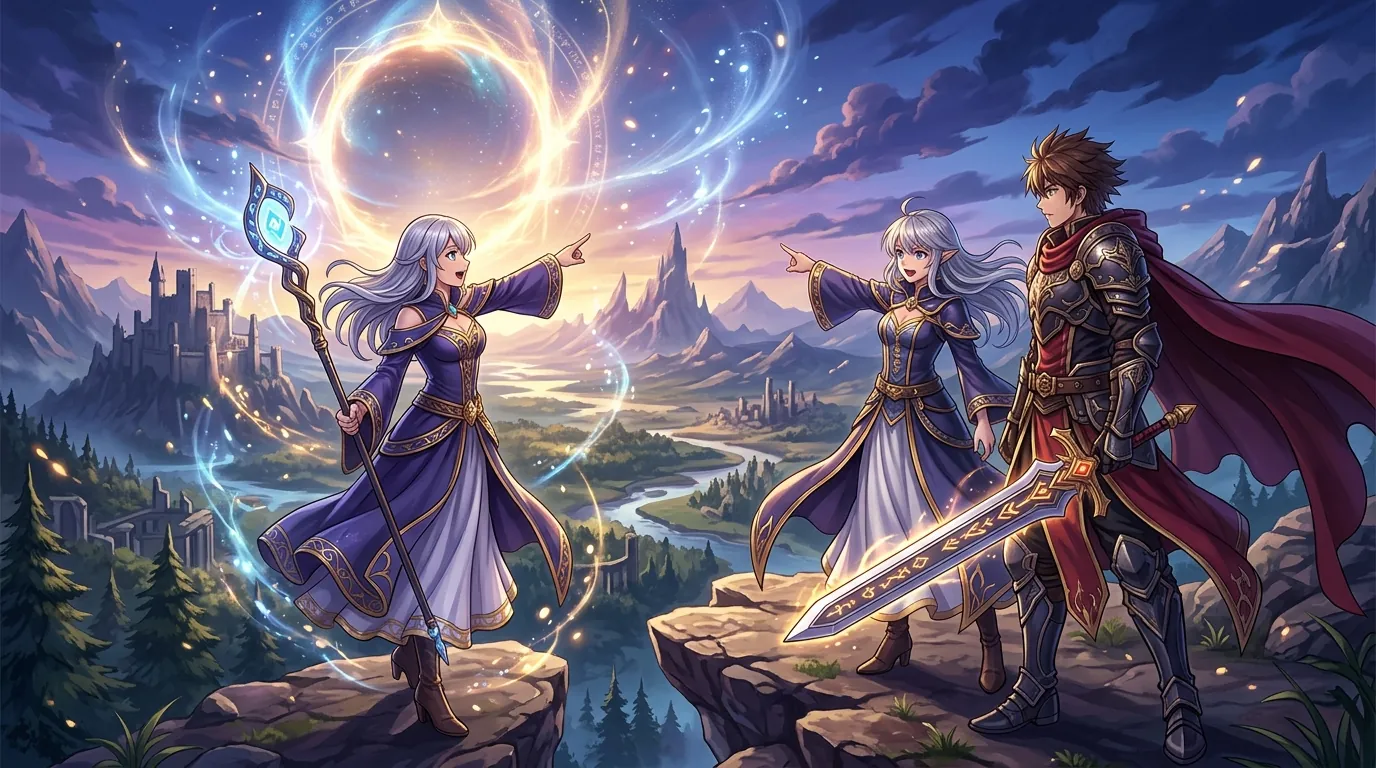
The road ahead for Neverness to Everness looks increasingly demanding for hardware. Phase 2 of the Version 1.1 update will introduce Chaos, the first limited male S-Class character. Chaos features a teleportation-heavy kit that generates high-speed visual trails. For players on low-refresh-rate monitors, these effects can cause significant ghosting, making high-refresh-rate ultrawides like the MSI MAG 341CQP a more attractive investment.
Chaos Phase 2 and High-Speed Combat
Chaos’s Cosmos elemental abilities are rumored to involve reality-warping visual filters that change the color palette of the entire screen. Testing these effects on OLED panels will be a priority for the community, as the instantaneous response times of OLED pixels are best suited for the rapid movement inherent in his teleportation mechanics.
Future-Proofing for Hethereau’s Expansion
Rumors from community data-miners suggest that Version 1.2, slated for mid-July 2026, will expand the map into the Hethereau region. This area is described as a sprawling industrial zone with even more complex lighting requirements than Hesperia. To prepare for this expansion, players are encouraged to evaluate their current setups.
Timeline: Upcoming NTE Banners and Hardware Events (June - July 2026)
- June 3: Patch 1.1 “Dreamwalk Corridor” Launch; Lacrimosa Banner begins.
- June 15: Porsche Collaboration Event (Phase 1) - Exclusive car liveries.
- June 24: Chaos Banner (Phase 2) - Teleportation-heavy S-Class.
- July 15: Expected Version 1.2 Update - Hethereau region expansion.
Checklist: How to Future-Proof Your Setup for NTE 1.2
- Monitor: Ensure a minimum 144Hz refresh rate to handle Chaos’s teleportation effects.
- Display Cable: Use DisplayPort 1.4 or HDMI 2.1 to support 3440x14400 at high refresh rates.
- VRAM: 12GB+ recommended for the Hethereau expansion’s high-resolution textures.
- Panel Type: Prioritize OLED or Mini-LED for the best “Anima” and “Cosmos” elemental visual fidelity.
As Neverness to Everness continues to push the boundaries of what a gacha game can look like, the shift toward ultrawide displays is no longer just a luxury—it’s becoming the standard for those who want to see every neon-lit corner of Hesperia.
Sources
- Neverness to Everness Official Site
- Hotta Studio — https://www.hottastudio.com/
- IGN: Neverness to Everness Revealed
- Unreal Engine: NTE Powered by UE5 — https://www.unrealengine.com/en-US/blog/neverness-to-everness-revealed-urban-supernatural-rpg-powered-by-unreal-engine-5
- RTINGS: Alienware AW3423DWF Review — https://www.rtings.com/monitor/reviews/dell/alienware-aw3423dwf
- RTINGS: Gigabyte M34WQ Review — https://www.rtings.com/monitor/reviews/gigabyte/m34wq
- MSI: MAG 341CQP QD-OLED Product Page — https://www.msi.com/Monitor/MAG-341CQP-QD-OLED
- LG: 34GP83A-B Product Page — https://www.lg.com/us/monitors/lg-34gp83a-b-gaming-monitor
- Sceptre: Nebula Series C345B-QUT168 — https://www.sceptre.com/Monitors/Gaming-Series/C345B-QUT168-34-Nebula-Series-product1398category12category101.html
- Reddit: r/NevernesstoEverness — https://www.reddit.com/r/NevernesstoEverness/
Loading comments…